Build project timelines in minutes, not hours.
Replace spreadsheets with a simple project planner your whole team can use.
Save time. Start your first project in seconds,
Save money. No per-seat pricing.
Try it without pressure. Test as long as you want.
No credit card required
Setup takes under 1 minute. Start with your first project instantly.

From idea to project in seconds
Easy process for creating accounts and managing projects, without wasting time learning the tool.
Start Planning in Seconds
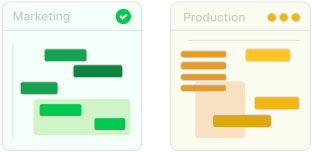
Go from signup to planning in seconds. Your first project is ready instantly, so you can focus on work instead of setup.
Build Your Project Timeline
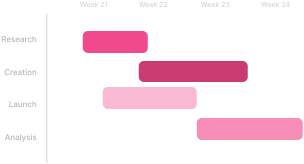
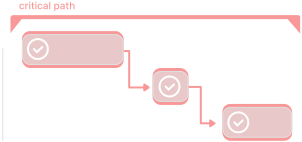
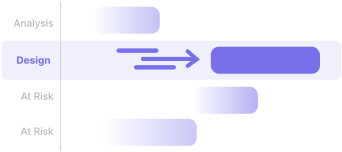
Turn your plan into a realistic schedule. Organize tasks, connect dependencies, and let your timeline update automatically.
Stay on Track with Confidence
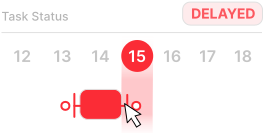
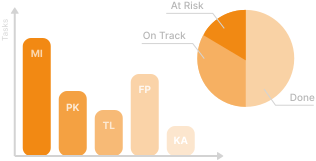
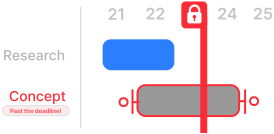
Stay in control of every project. Instantly see whether you're on track, at risk, or delayed, so you can act before deadlines slip.
Everything you need
Built for teams who want clarity without complexity.
Easier than Excel
No formulas, no manual date math. Add tasks and your timeline builds itself — in seconds.
Automatic scheduling
Move one task and all dependent tasks shift. No rescheduling spreadsheets, no surprises.
Unlimited teammates
One flat price, no per-seat fees. Invite your whole team and grow it without growing your bill.
Know exactly what needs your attention
Tasks automatically flip to At Risk or Delayed as dates slip — no manual updates. Break work into subtasks and always know what's blocking you.

Your whole team. One flat price.
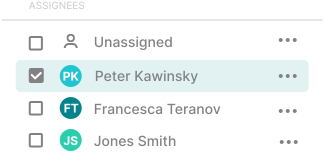
Assign tasks to anyone on your team. Mark key moments as milestones. Invite 2 or 20 people — the price never changes.

Build timelines without the friction
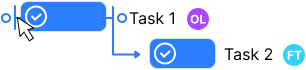
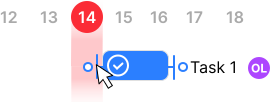
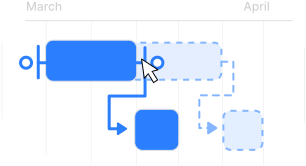
Drag tasks to reschedule. Chain tasks with dependencies so your plan always reflects reality — automatically.

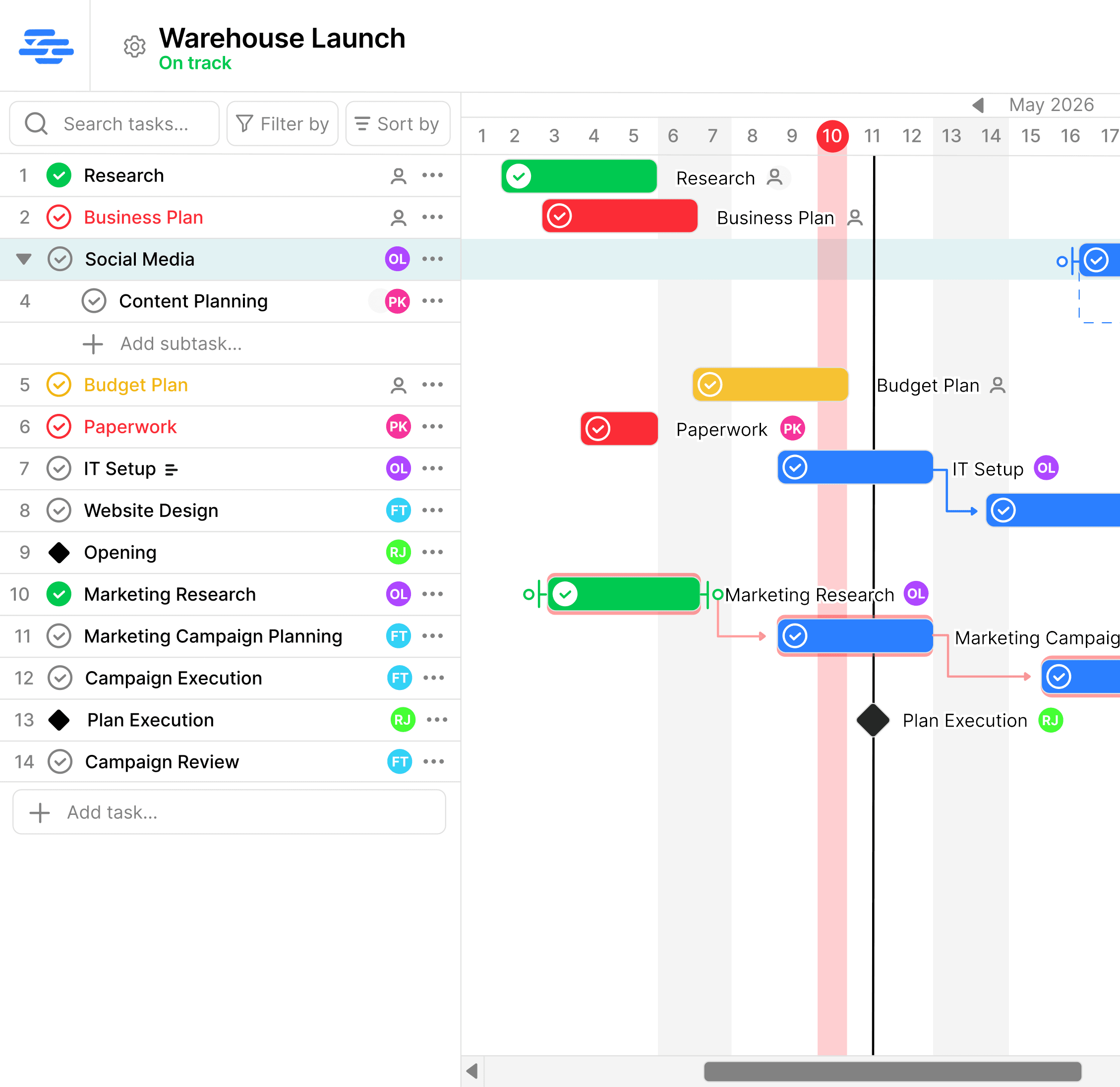
See it in action!
Dependencies, statuses, and your full project timeline — all in one clean view.
What our users say
Real feedback from people using Simple Gantt.
My first impression of SimpleGantt was how clean and uncluttered the interface is. It focuses on what really matters instead of overwhelming users with unnecessary features. Setting up a project and adding tasks felt very intuitive, and I liked that there are multiple ways to accomplish the same task depending on your workflow.
Bartosz W.
Chairman of Students Council of Faculty of Electrical, Electronic, Computer and Control Engineering
SimpleGantt has a clean, intuitive interface that was easy to navigate from the very beginning. Creating tasks and placing them on the timeline is quick and straightforward, without unnecessary steps or configuration. I especially liked the ability to create task dependencies. They make it much easier to organize work and prioritize it.
Mateusz K.
Project Manager at SyntraStudio
Simple pricing. Unlimited teammates.
Start for free and upgrade when you're ready. Bring everyone on board without paying more.
Free
Get started with no commitment
- 1 project
- Up to 10 users
- Up to 50 tasks
- Full Gantt chart
- Task dependencies & milestones
Premium
For teams that are growing
- Up to 20 projects
- Unlimited users
- Unlimited tasks
- Full Gantt chart
- Task dependencies & milestones
- Templates
- Statistics
Enterprise
For organisations at scale
- Unlimited projects
- Unlimited users
- Unlimited tasks
- Full Gantt chart
- Task dependencies & milestones
- Templates & statistics
- Roles & permissions
- Multiple project admins
- Priority support
Upgrade anytime. No credit card required.
Create Free AccountFrequently asked questions
Everything you need to know about Simple Gantt.
Is Simple Gantt free?
Yes. You can start with our free plan and upgrade only when you need more projects and features.
Does pricing depend on team size?
No. All paid plans include unlimited users. Your price depends on the plan you choose, not the number of teammates.
Who is Simple Gantt for?
SimpleGantt is designed for individuals and small teams who want an easy way to plan projects without the complexity of enterprise project management software.
Can I invite my team?
Yes. Invite teammates to collaborate on your projects. Paid plans include unlimited users.
What makes Simple Gantt different?
Most project management tools try to do everything. Simple Gantt focuses on project planning and tracking. You can create timelines quickly, update schedules easily, and see project progress without navigating dozens of features.
How long does it take to create a project?
Upon creating an account, your first project is automatically set up and ready for planning. Additional projects can be created within seconds.
Can I use Simple Gantt by myself?
Absolutely. Simple Gantt works well for solo planners, freelancers, consultants, and small teams.
Do I need project management experience?
No. Simple Gantt is designed to be intuitive, so you can start planning without a long learning curve.
Can I cancel anytime?
Yes. You can cancel your subscription at any time. Your plan will remain active until the end of your current billing period, and you won't be charged again.
How long does setup take?
Just a few minutes. Create an account, start your first project, and begin adding tasks right away — no complicated setup, training, or configuration required.
Can I import from Excel?
Not yet. We're exploring Excel import based on customer feedback and hope to add it in the future.
Is there a mobile version?
Not yet. SimpleGantt is currently optimized for desktop and laptop use, where project planning is most effective. A mobile experience is on our roadmap as the product grows.
What happens after the free plan?
The Free plan doesn't expire. Once you reach its limits, you can continue using your existing project or upgrade to Premium to unlock more projects and advanced features.